Points settings
Article
Live index
This copy was last processed on . The copied wiki revision is dated .
| Points settings | |||||||||||||||||||
|---|---|---|---|---|---|---|---|---|---|---|---|---|---|---|---|---|---|---|---|
| Released | 21 December 2004 (Update) | ||||||||||||||||||
| Members | Yes | ||||||||||||||||||
| Quest | Haunted Mine | ||||||||||||||||||
| Location | Abandoned Mine | ||||||||||||||||||
| Options | Check | ||||||||||||||||||
| Examine | This displays information on how the points on this level are set. | ||||||||||||||||||
| Map | |||||||||||||||||||
| Advanced data | |||||||||||||||||||
| Object ID | 4949 | ||||||||||||||||||
| Link | MOID | ||||||||||||||||||
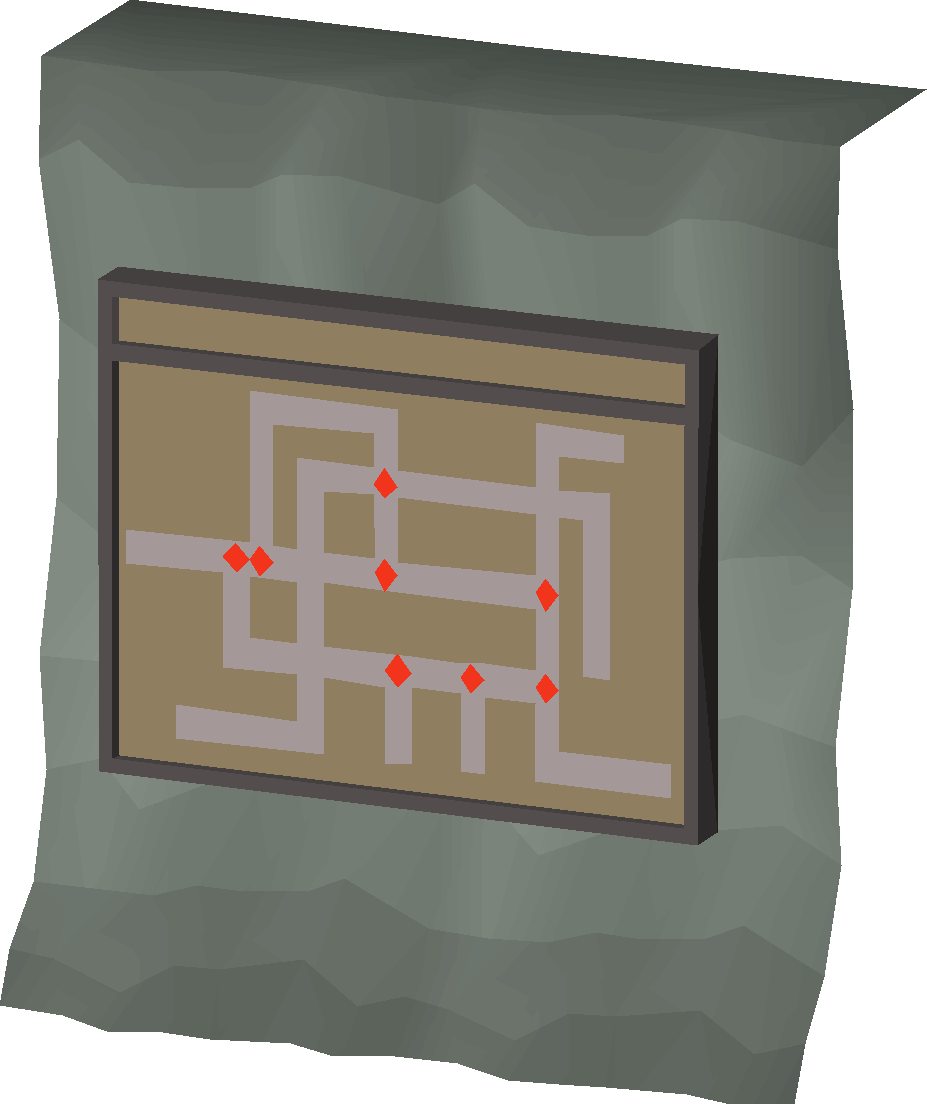
The Points settings can be found on the fourth level of the Abandoned Mine. During the Haunted Mine quest, it is used to control a mine cart to transport a glowing fungus through the mine without it going outside.
Checking the settings shows an interface including a Start button. Pushing that button will make the mine cart move.
Changes
| Date | Changes |
|---|---|
| 22 January 2007 (Update) |
The scenery was graphically updated with the release of The Lair of Tarn Razorlor. |
Gallery (historical)
| NPCs |
| ||||
|---|---|---|---|---|---|
| Items | |||||
| Rewards | |||||
| Locations | |||||
| Music | |||||
| Related | |||||


.png)
.png)